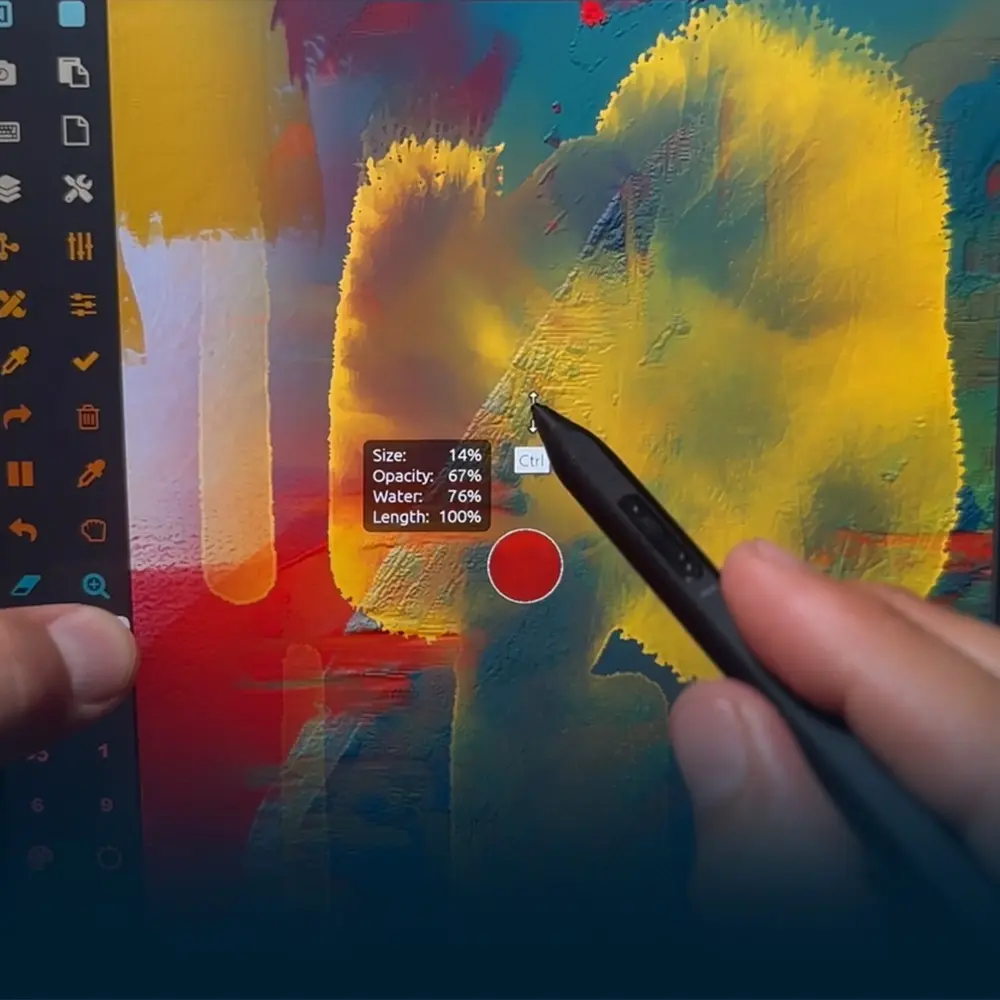
Powerful custom controls for touch and stylus—designed to streamline your workflow, eliminate interruptions, and keep your creativity moving without pause.
FREE DOWNLOAD | NO CREDIT CARD REQUIRED
Watch this 30 sec video or read the instructions below:
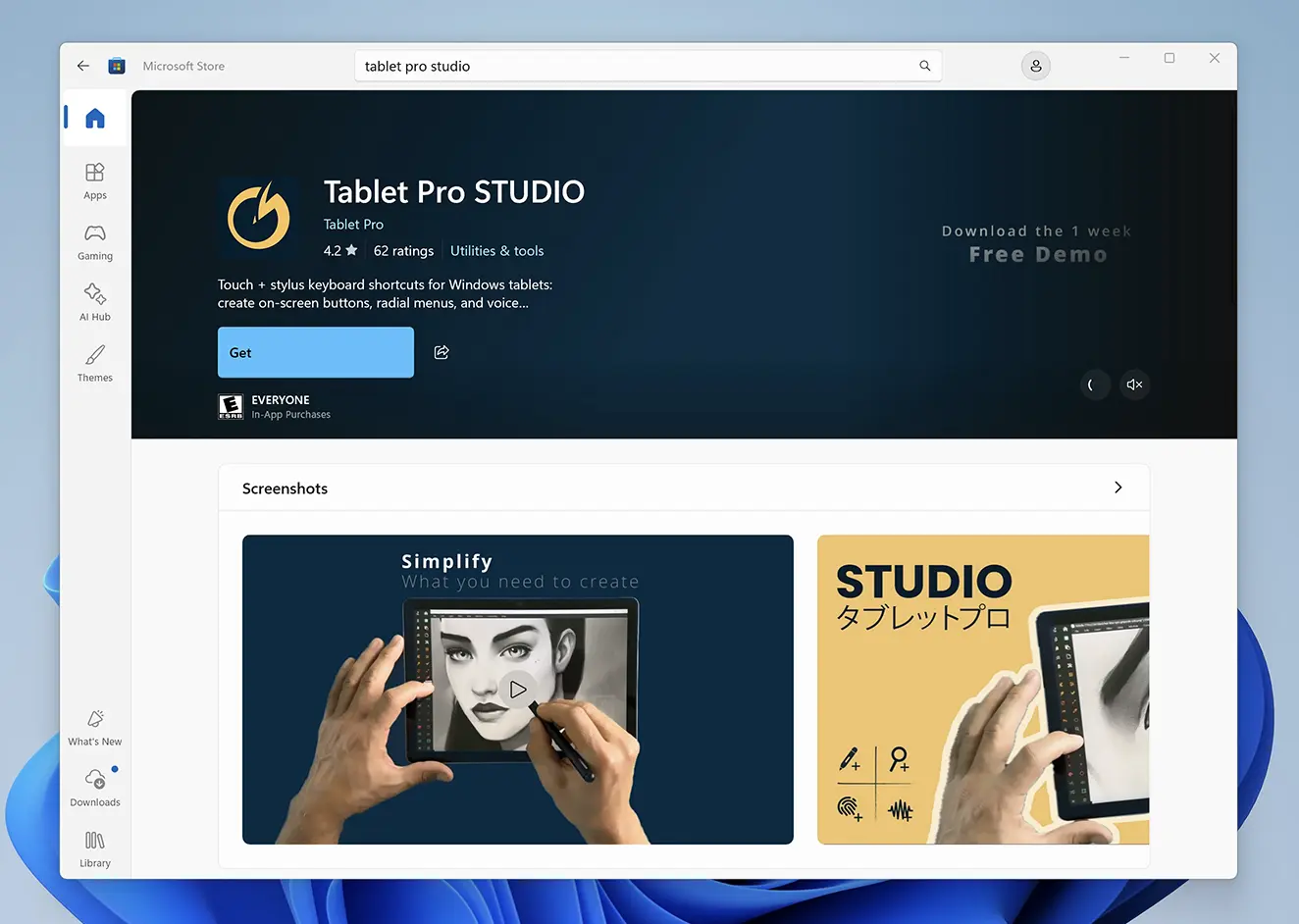
Install Tablet Pro Studio
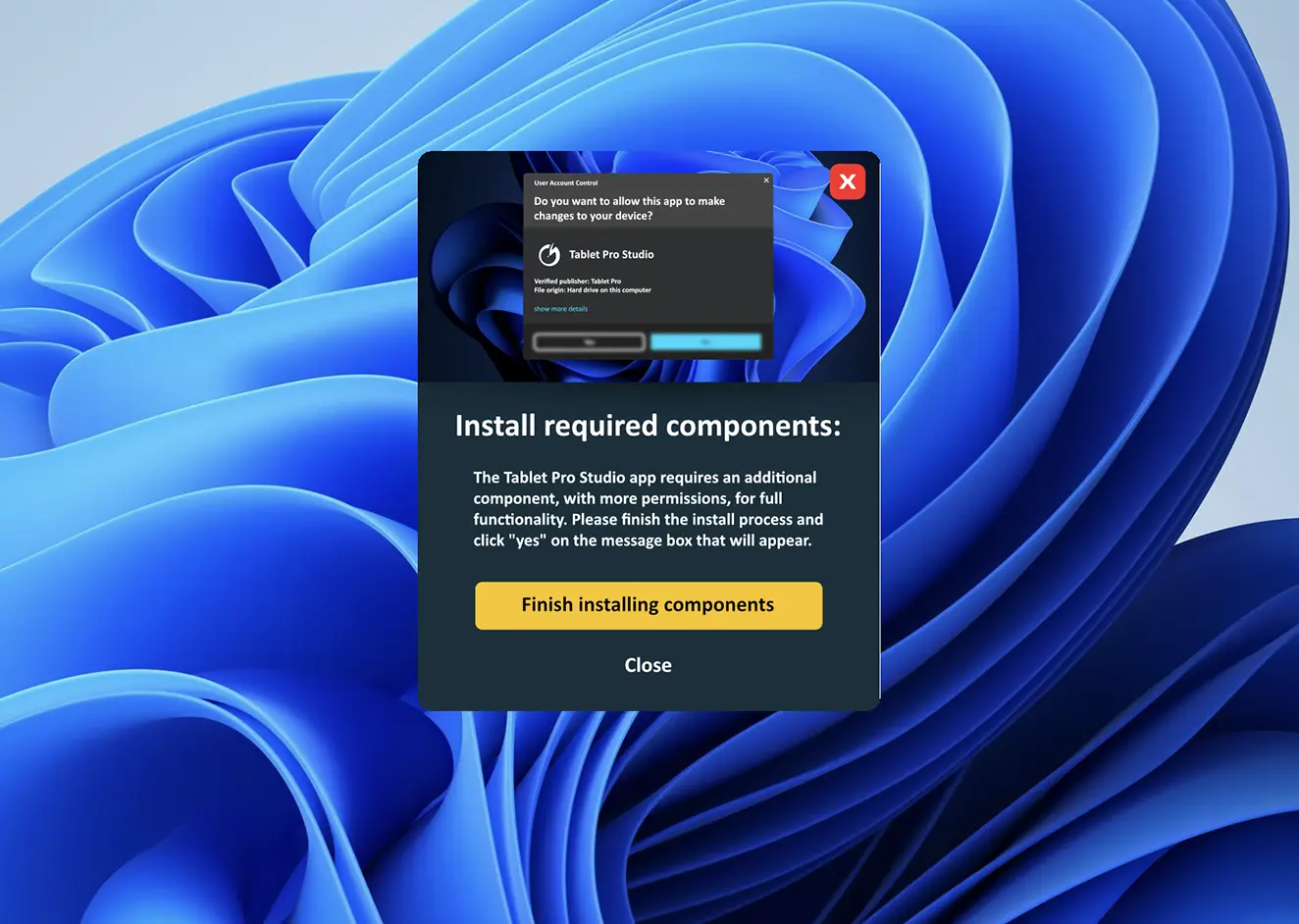
Open Tablet Pro Studio, When Studio runs the first time, allow it to install Tablet Pro TOUCH
Studio depends on TOUCH to work correctly.
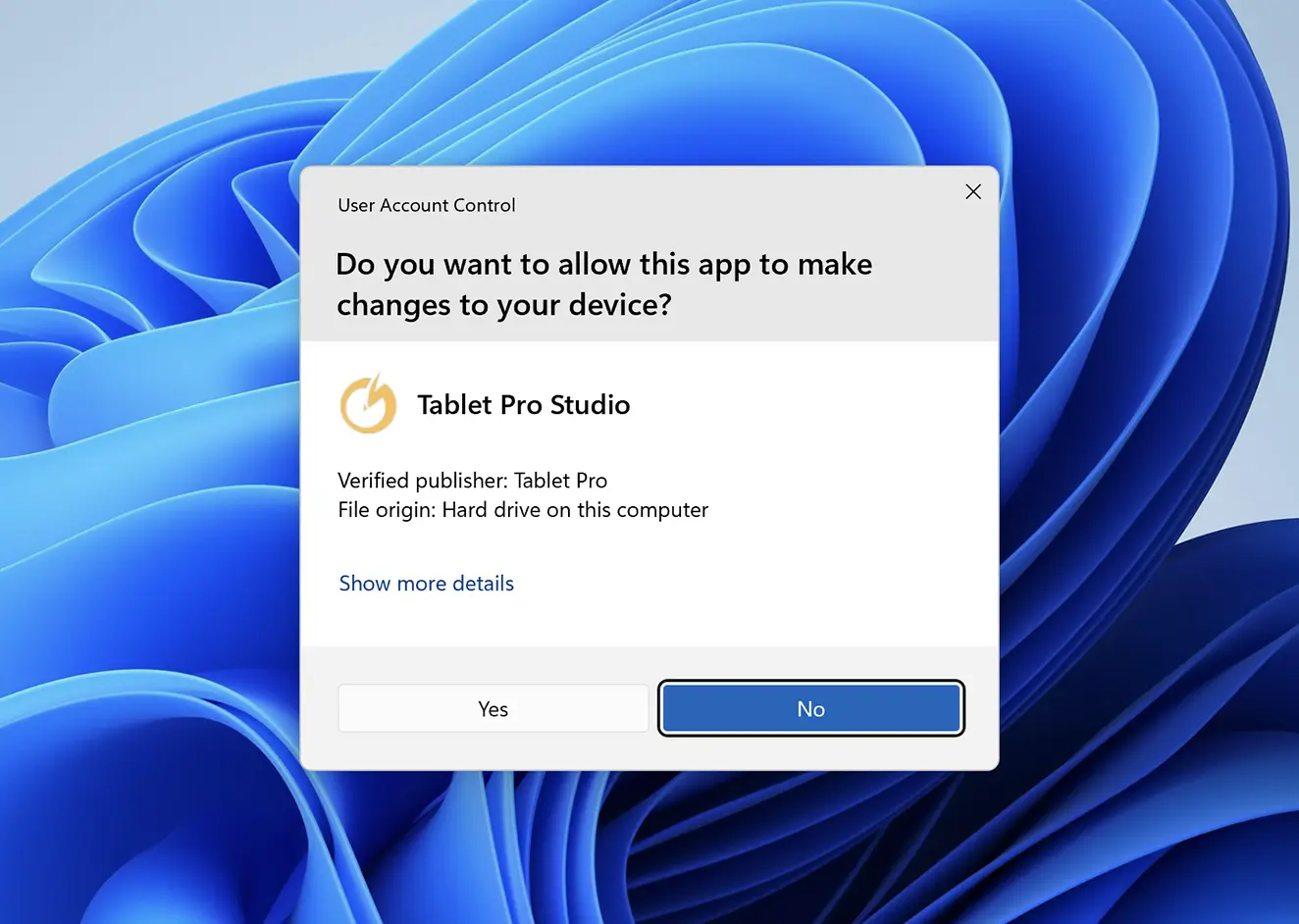
If you missed step 2, you will be prompted to install Touch again
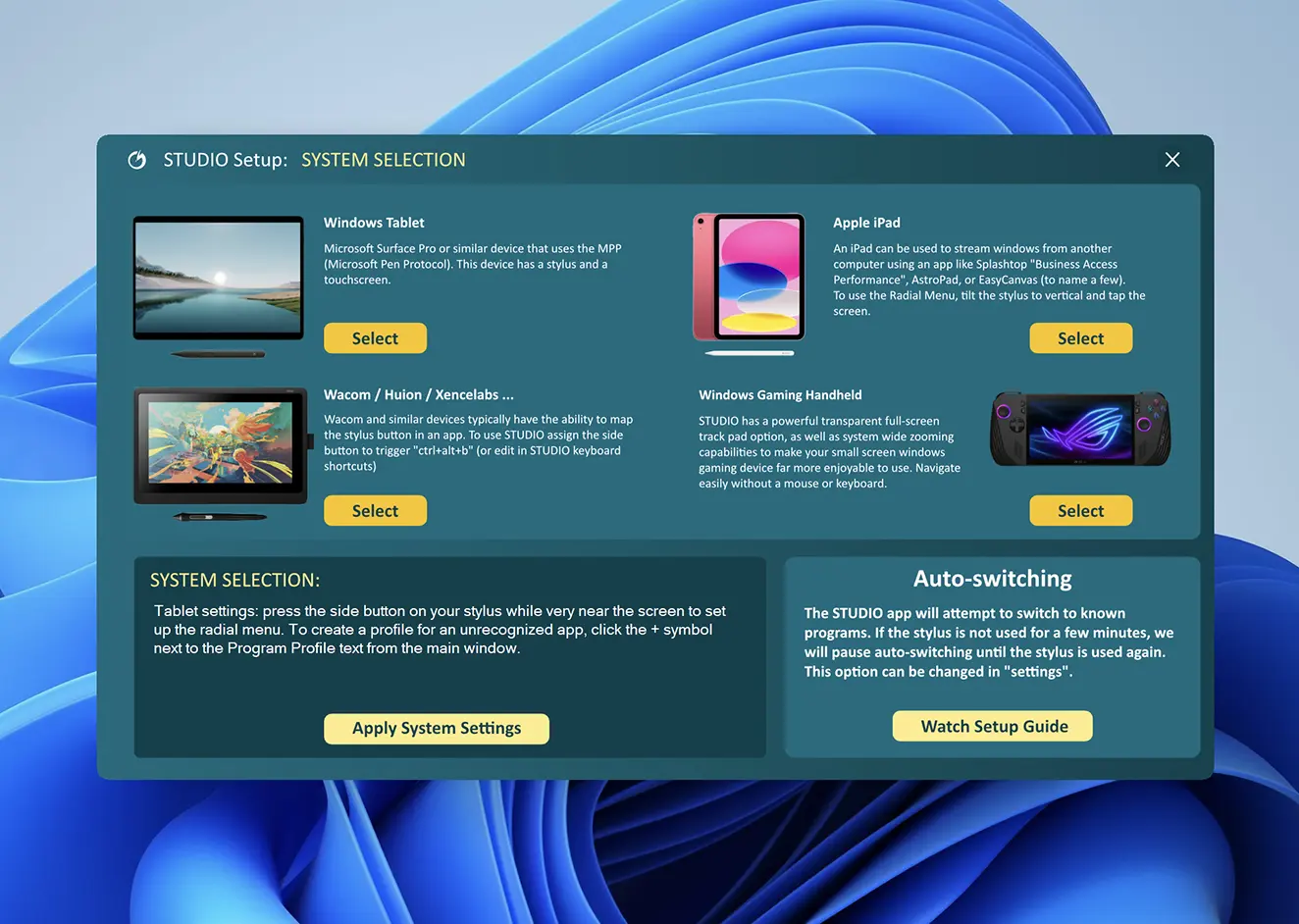
Select the correct mode for your device, then tap Apply